Announcing: The All-New Home Studio Masterclass and Certification Program!
A 30-day sprint to help you achieve a broadcast-quality home studio and record your voice over like a pro...even if you’ve never done this before...
June 2025 classes begin on Wednesday 4th
(Classes meet on Wed 4, 11, 18, 25 8-9:30 pm ET (7 CT, 6 MT, 5 PT)
Can’t make it live? No problem!
Sign up anyway and get the recordings.
Master The Art Of Recording Quality Voiceover At Home Like A Pro Studio
Learn the essential skills to create professional voice recordings in your home studio.
This course covers everything from mic placement and vocal technique to soundproofing and audio editing,
so you can achieve crystal-clear audio every time.
Sound like something you've experienced?

Background Noise and Poor Acoustics
Unwanted sounds from HVAC systems, household appliances, or external environments can infiltrate recordings. Additionally, rooms not acoustically treated can produce reflections and reverberations, compromising audio clarity.

Incorrect Microphone Placement
Positioning the microphone improperly, such as placing it in the center of the room or too close to walls, can lead to capturing room resonances and unwanted reflections, adversely affecting sound quality.

Vocal Strain and Fatigue
Getting too close to the microphone can cause an excessive bass boost, leading to a boomy sound.

Foot Noise
Movements or vibrations can be picked up by sensitive microphones, introducing unwanted low-frequency noise

Echoing Room Sound
Rooms not designed for recording often have audible reverb or echo, which can make recordings sound amateurish.
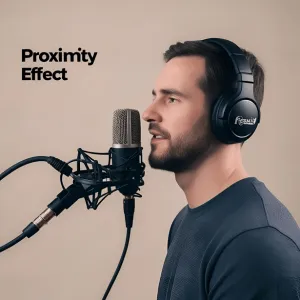
Proximity Effect
Getting too close to the microphone can cause an excessive bass boost, leading to a boomy sound.
If that resonates with you, understand that I've been in your shoes, and you're not alone.
Hear The Best Solution We Got For You
Home Studio Masterclass
& Certification Program
The Ultimate Solution for Voice Artists Struggling with Home Studio Recordings
If you're tired of battling background noise, echo, and inconsistent sound quality in your home recordings, you're not alone.
Many aspiring voice-over artists and content creators face these exact struggles but that doesn't mean you have to settle for less-than-professional audio.
The Home Studio Masterclass & Certification Program is a step-by-step, expert-led course designed to help you transform your home recording space into a professional-grade studio without breaking the bank.
Whether you're a beginner or an experienced voice-over artist looking to refine your skills, this program will equip you with everything you need to produce flawless, studio-quality voiceovers from home.
What Makes This Course the Ideal Choice?

1. Expert-Led Training by Industry Professionals
Learn from seasoned audio engineers and voice-over experts who have worked in the industry for years. They’ll walk you through exact techniques used by top professionals, ensuring you get real-world, practical knowledge that you can apply immediately.

2. Master Home Studio Setup & Optimization
You don’t need an expensive studio to produce high-quality voiceovers—you just need the right acoustic treatment, mic placement, and recording techniques. This course will show you how to eliminate background noise, echo, and room reverb so your recordings sound crisp and polished.

3. Microphone Techniques for a Rich, Clear Voice
Using the wrong mic setup can lead to plosives, weak projection, and unbalanced sound. We’ll teach you how to position your microphone properly, adjust input settings, and achieve a broadcast-quality voice with minimal post-production.

4. Professional Audio Editing & Post-Processing
Recording is only half the battle—editing and processing your audio can make or break your final product. You'll learn:
✅ Noise reduction & sound cleanup techniques
✅ How to balance voice levels and remove harsh sibilance
✅ Industry-standard software tips to enhance your recordings.

5. Get Certified & Build Credibility
Upon completing the course, you’ll receive The Great Voice Audio Certification Seal of Approval, which validates your skills and gives you a professional edge when working with clients or landing auditions.
Who's Is This For?

From home Aspiring Voice-Over Artists looking to start their careers with studio-quality recordings
Content Creators & Podcasters struggling with bad sound quality, echo, or microphone issues
Freelancers & Audiobook Narrators wanting to increase production value and attract higher-paying clients
Content Creators & Podcasters struggling with bad sound quality, echo, or microphone issues
Anyone Who Wants to Sound Professional without spending thousands on a recording studio
Hear What Our Partners Gives Joyful Words


MEET THE Trainor
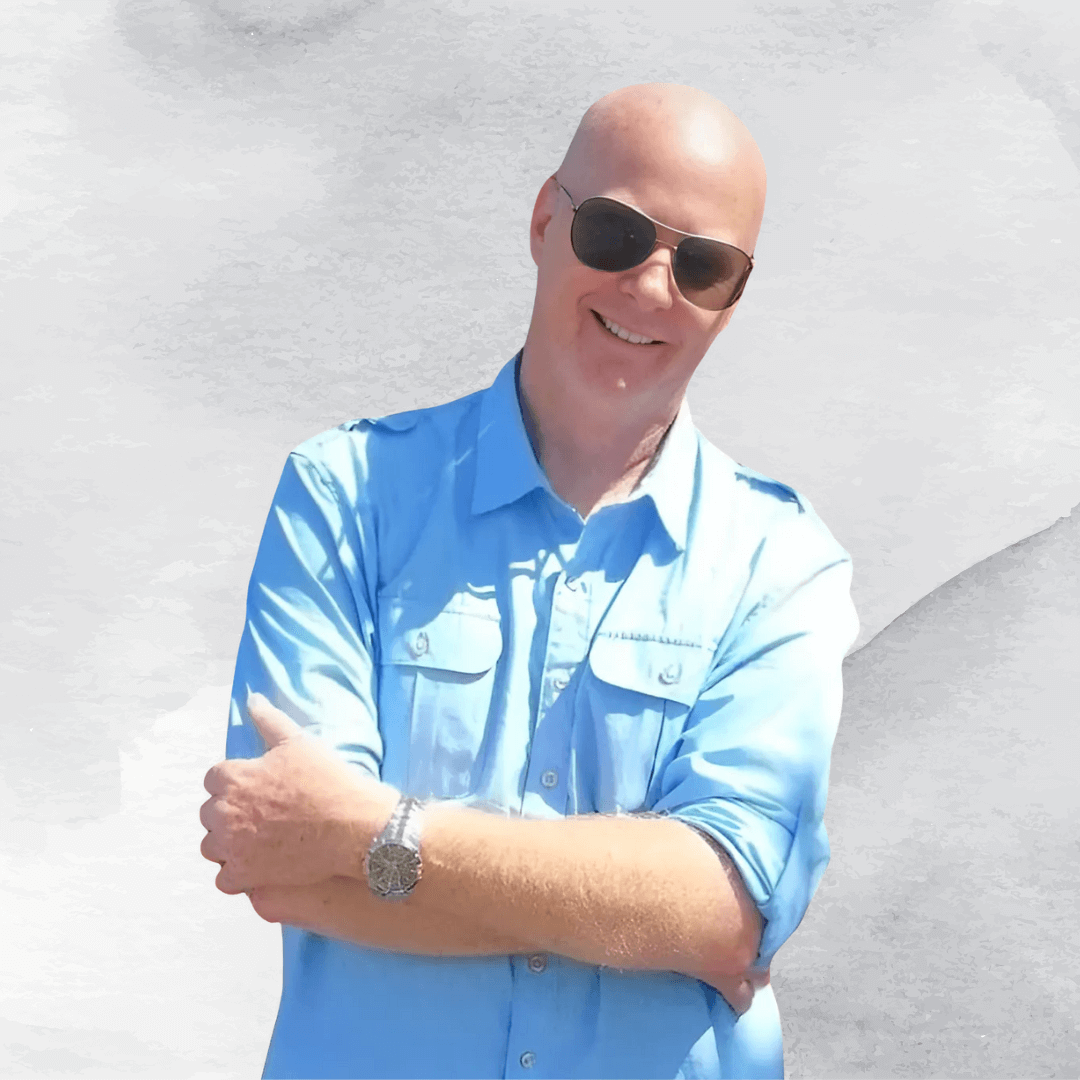
Ron Puckett
Ron resides in Orange County California. He was an Architect and Construction manager.
But his passion and profession for the last 30 years has been Information Technology. Ron has worked in the film industry as an on-set audio engineer.
He has done voice overs for film and television and has an extensive knowledge of audio editing and production.
Here’s what you get in this essential voice over training.
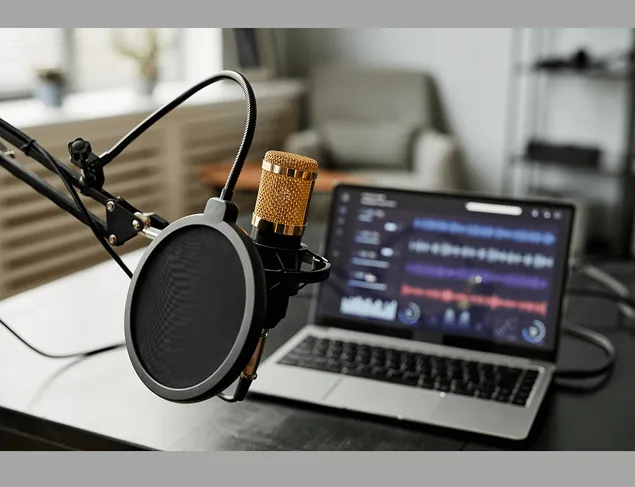
Week 1: Your Home Recording Space, Hardware and Software
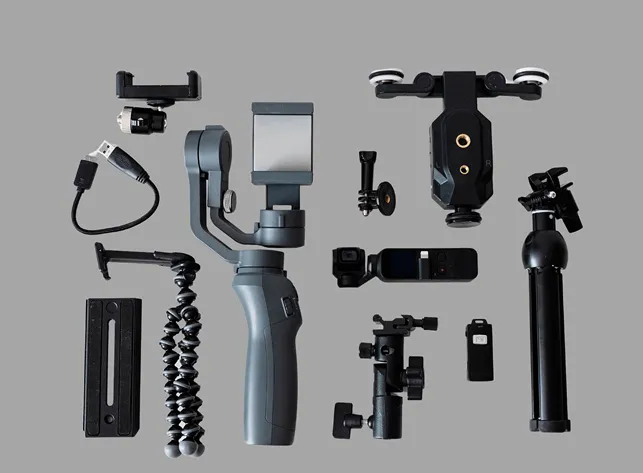
● How to choose the best place in your home to record.
● Inexpensive sound treatments that are easy to install.
● Choose the best microphone without breaking the bank.
● Peripherals: shock mounts, pop filters, stands.
● Headphones and other monitors.
● Do you need a new computer? (hint: probably not
● Recording software 101- how to download and install Audacity freeware for PC or Mac.
Week 2: Home Studio Technique
● Microphone placement for different voice over styles
● How to get rid of plosives, breaths, mouth noise and sibilance.
● Eliminating room noise, fan noise, buzzes and hums.
● Audio editing workshop: how to record great sounding audio on Audacity,
● Saving and uploading your audio files.
● How to record and submit your first test file for review.
Week 3: Audio File Review
● Each audio submission will be reviewed during the class by Engineer Ron.
● Students will be instructed to fix their audio file according to the suggestions made.
● Common mistakes to be addressed with a real time editing demonstration.
● All students to be given a new script to record for week 4 with instructions to submit their audio file for certification.
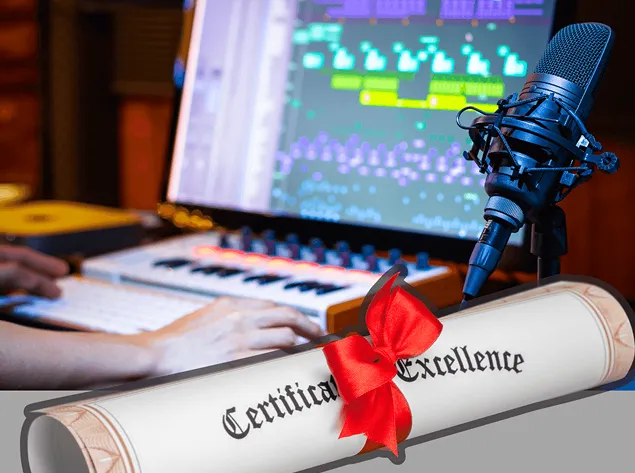
Week 4: Audio Certification
● All submitted audio files will be reviewed.
● Each file will be evaluated based on the “Home Studio Certification Criteria”.
● Students meeting these requirements will be officially certified.
● Those failing certification will be encouraged to retake the course for free the following month.


The Extreme Makeover Home Studio Edition Flash Training.
How To Prepare Your Professional Home Recording Space… Without spending a Fortune Or Doing It Wrong (Value: ₱5000)
At this point you’re probably wondering how much, right? Fair question.
You’ve probably heard that voice over can be extremely lucrative, with some jobs paying hundreds, if not thousands of dollars.
Home Studio Masterclass & Certification Program
The Ultimate Solution for Voice Artists
Struggling with Home Studio Recordings

Here's what you get:
Voice talent for a one hour e learning program ₱1200
Narrating an audio book ₱300
The Home Studio Masterclass 30 Day Sprint ₱2000
Bonus: How To Prepare Your Professional Home Recording Space… Without spending a Fortune Or Doing It Wrong (Value: ₱497)
Total value: ₱3997
Today Just ₱1000
We accept Pay Pal, Pay Over Time.
Hurry! Seating limited to 20 students per class
Only ₱1000 (onetime payment)
STILL NOT SURE?
Frequently Asked Questions
What if I can’t make the live sessions?
No problem! Sign up anyway and get the recordings.
Who is the instructor?
The course is taught live on Zoom by expert audio engineer Ron Puckett.
What if I have questions?
Call us at 800-333-8108 (9 am - 5 pm ET M-F) or email [email protected].
My No-Fail You Can Do This Guarantee
